
Fantasy Creature Generator
Create a fantasy beast with a clear world, role, and visual language instead of generating a disconnected monster image.
Free to try. Current credit and sign-in requirements appear before generation.
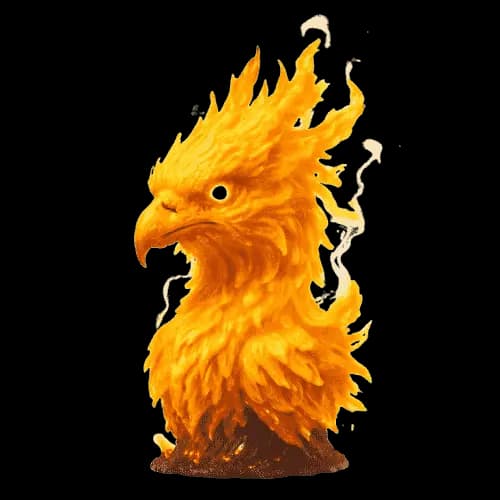
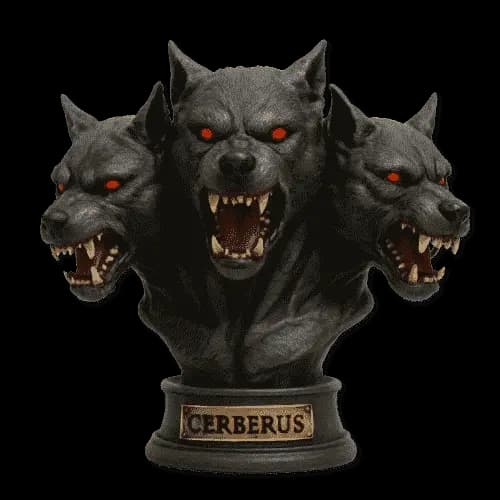
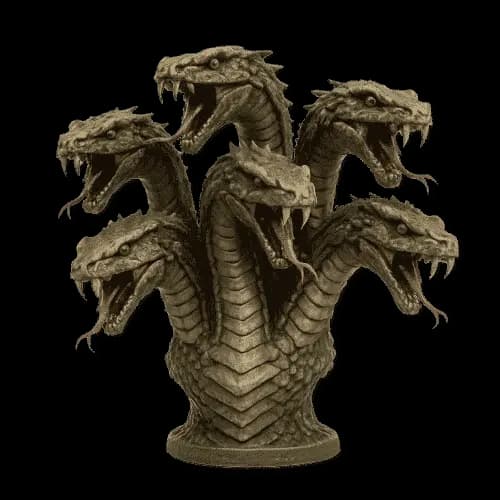
Make the creature feel native to its world
World-aware concepts
Connect habitat, culture, magic, and creature behavior before refining the appearance.
Fantasy anatomy
Ground unusual features in a readable body plan and a clear movement or combat role.
Shared art direction
Reuse palette, material, mood, and reference choices across the wider project.
Concept review
Check originality, anatomy, readability, and production needs before approving a result.
A convincing fantasy creature reflects its habitat, culture, magic system, and gameplay role. Begin with what the creature does and where it lives. Anatomy, material, color, and scale become easier to direct once those constraints are clear.
Animal influences can give the design believable structure, while fantasy materials and unusual proportions establish the supernatural layer. Keep one dominant idea visible at thumbnail size rather than combining every mythical trait in the same creature.
Use the generated result as a concept checkpoint. Continue in Create to add a project palette, world reference, camera direction, and related asset requirements so the creature fits beside characters, items, and environments from the same setting.
Continue the workflow
Build the creature inside a shared world direction
Continue in Create with the project palette, setting, creature role, and approved visual references.
Frequently Asked Questions
What should I include in a fantasy creature idea?+
Start with role, habitat, scale, movement, temperament, and one defining visual trait. Add art direction and reference material after the concept is understandable.
Can I generate dragons, griffins, or entirely original beasts?+
Yes, but familiar mythical creatures and original designs serve different goals. Use a recognizable archetype when clarity matters, or combine new anatomy and materials when the world needs something distinct.
How do I keep fantasy creatures consistent?+
Use the same project palette, material language, lighting direction, and approved visual references. Save the selected result and reuse it as guidance for related assets.
Is the output a final production asset?+
It is a concept asset. Final sprites, animation frames, topology, rigging, transparency, and platform requirements need separate validation.
Where can I refine the creature?+
Open the creature tab in Create to add references, project context, prompt detail, and output settings.