
AI Animal Fusion Generator
Fuse two species into one cohesive creature, compare variations, and carry the strongest result into a controlled game asset workflow.
Free to try. Current credit and sign-in requirements appear before generation.
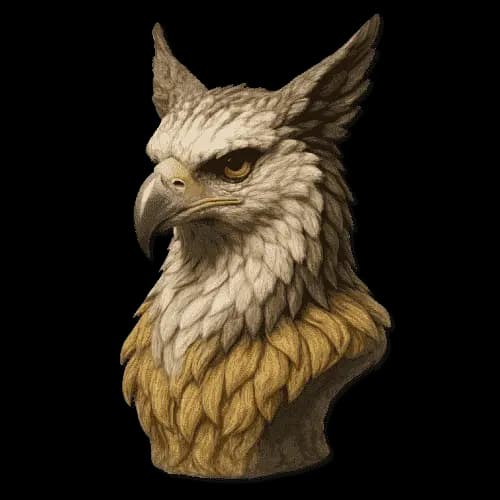
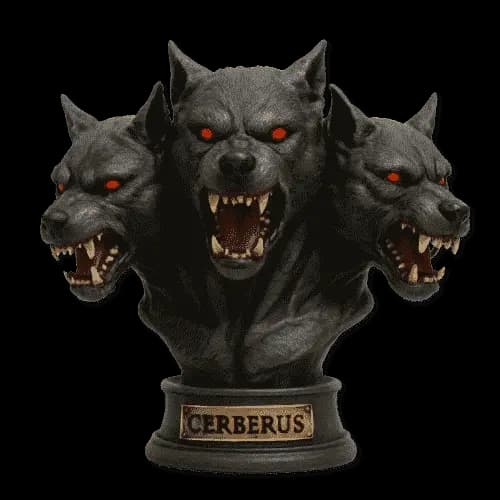
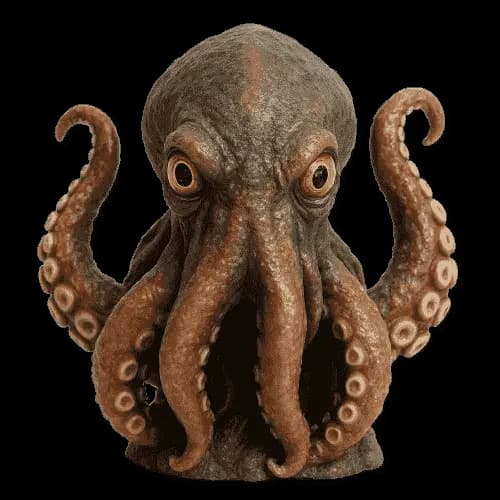
A good fusion feels like one creature
Cohesive anatomy
Evaluate how skeletal structure, limbs, head shape, and movement combine into one readable creature.
Controlled visual style
Use a consistent rendering direction so the fusion can fit beside related project assets.
Variation comparison
Review multiple results for silhouette, material transitions, facial clarity, and role fit.
Concept-first workflow
Treat the generated fusion as a reviewed reference before animation, final sprites, or production export.
Animal fusion is more than placing one animal's head on another body. The strongest concept combines anatomy, surface material, proportions, and movement into a single design. Choose a pair with a clear purpose, then review whether the generated creature feels structurally believable inside its chosen visual style.
Generate several variations before deciding. One version may solve the silhouette while another handles material transitions more clearly. Look for a result that preserves recognizable traits from both species without creating visual noise around the face, limbs, or body outline.
For game work, use the fusion as a concept reference rather than a finished production asset. Continue in Create to specify role, camera, background, palette, and output expectations, then save approved variants inside the relevant project.
Continue the workflow
Carry the fusion into a consistent asset pack
Continue in Create to add the project palette, visual reference, creature role, and output requirements.
Frequently Asked Questions
What is an animal fusion generator?+
It is an AI workflow that combines two animal species into one creature concept. The output should be reviewed for coherent anatomy, recognizable source traits, and a clear overall silhouette.
Why should I generate more than one fusion?+
Variation is useful because each result may solve different design problems. Compare anatomy, material balance, face readability, and how well the creature fits its intended role.
Can I turn the fusion into a sprite?+
Use the fusion as a visual reference in Create, then move into a sprite-focused workflow when sprite tools and output controls match the action, direction, and frame requirements you need.
Can I download the image?+
Available download formats and credit requirements are shown with the generated result. Keep an original project copy before making derivative edits.
What should I check before commercial use?+
Review the current commercial license, confirm that you have rights to any uploaded references, and perform a human review for originality, safety, and production suitability.