AI Animal Generator Tutorial: Create Hybrid Animal Concepts in 3 Steps
A practical guide to combining two animals, choosing an art direction, reviewing variations, and carrying a useful hybrid into a game creature workflow.
5 min read·Aimagica Team
ZZzz
What Is an AI Animal Generator?
An AI animal generator (also called an animal mixer or hybrid animal generator) is a tool that uses artificial intelligence to blend two animal species into a completely new, unique hybrid creature. Unlike simple photo editors that just overlay images, a true AI animal combiner understands anatomy, texture, and style — producing variations you can compare for silhouette, anatomy, and style.
At Aimagica, our engine analyzes the characteristics of both animals you select and fuses them intelligently. The result is a one-of-a-kind creature that looks like it was designed by a concept artist, not randomly stitched together.
Start by choosing any two animals from our catalog. With 100+ species available, the combinations are nearly endless.
Popular Animal Combinations
Combo
Result Vibe
Dragon + Eagle
Majestic flying predator
Wolf + Raven
Dark, intelligent hunter
Lion + Tiger
Powerful apex hybrid
Cat + Butterfly
Whimsical, delicate
Panda + Phoenix
Rare mystic creature
Shark + Horse
Bizarre aquatic beast
Pro tip: Contrasting animals (predator + prey, land + sea, real + mythical) produce the most visually striking results. Don't be afraid to experiment — there's no wrong combination.
Step 2: Choose Your Art Style
Your art style defines the visual language of your creature. Each style transforms the same animal pair into completely different results.
Available Styles
Style
Best For
Look & Feel
Cyberpunk
Sci-fi, futuristic
Neon lights, chrome, circuits
Dark Fantasy
Gothic, horror
Moody, medieval, dramatic shadows
Anime
JRPG, vibrant
Cel-shaded, expressive, energetic
Cartoon / Pixar
Family-friendly
Soft, colorful, charming
Realistic
Concept art, nature
Natural textures, believable anatomy
Watercolor / Ghibli
Artistic, ethereal
Soft washes, hand-painted feel
Try the same animal pair with different styles — a Dragon + Wolf in Cyberpunk looks completely different from the same pair in Watercolor. This is where the magic happens.
Step 3: Add a Custom Prompt (Optional but Powerful)
The prompt field lets you describe the scene, mood, or specific details you want. Think of it as directing the AI.
Prompt Examples That Work Well
"Standing in a misty forest at dawn, glowing runes on its armor"
"Bioluminescent wings, deep ocean abyss background"
"Ancient stone temple ruins, golden hour lighting, cinematic"
"Snow-covered mountain peak, aurora borealis in the sky"
"Cyberpunk city rooftop, rain, neon reflections"
Prompt Writing Tips
Keep it visual — describe what you want to SEE, not abstract concepts
Include lighting/atmosphere — "golden hour", "cinematic", "misty" add mood
Mention the background — context makes the creature feel real
30-80 characters is the sweet spot — too short misses detail, too long dilutes focus
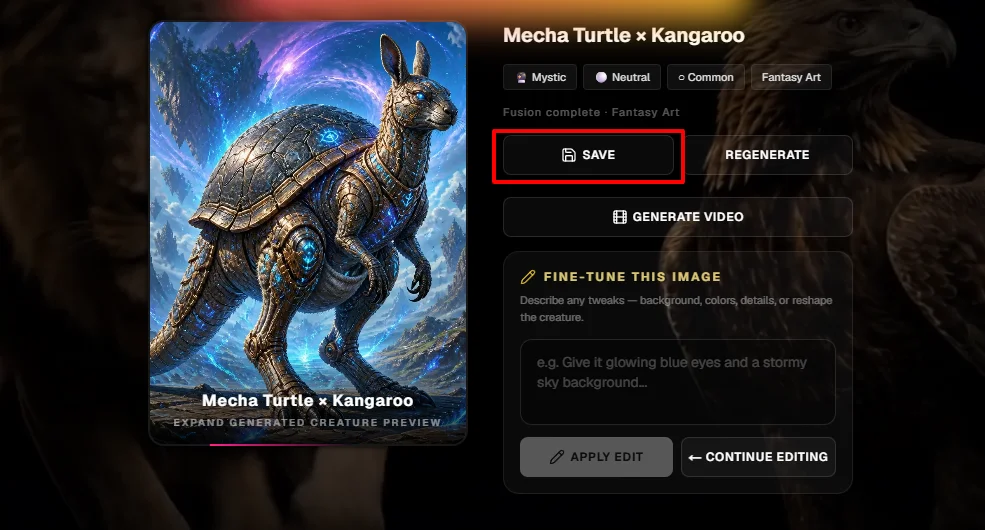
Click Generate and your creature appears in under a minute.
What to Do After Generating
Once your hybrid creature is ready, you have several options:
Save to Your Gallery
Every creation can be saved to your personal gallery. This builds your collection and lets you revisit, compare, or remix later.
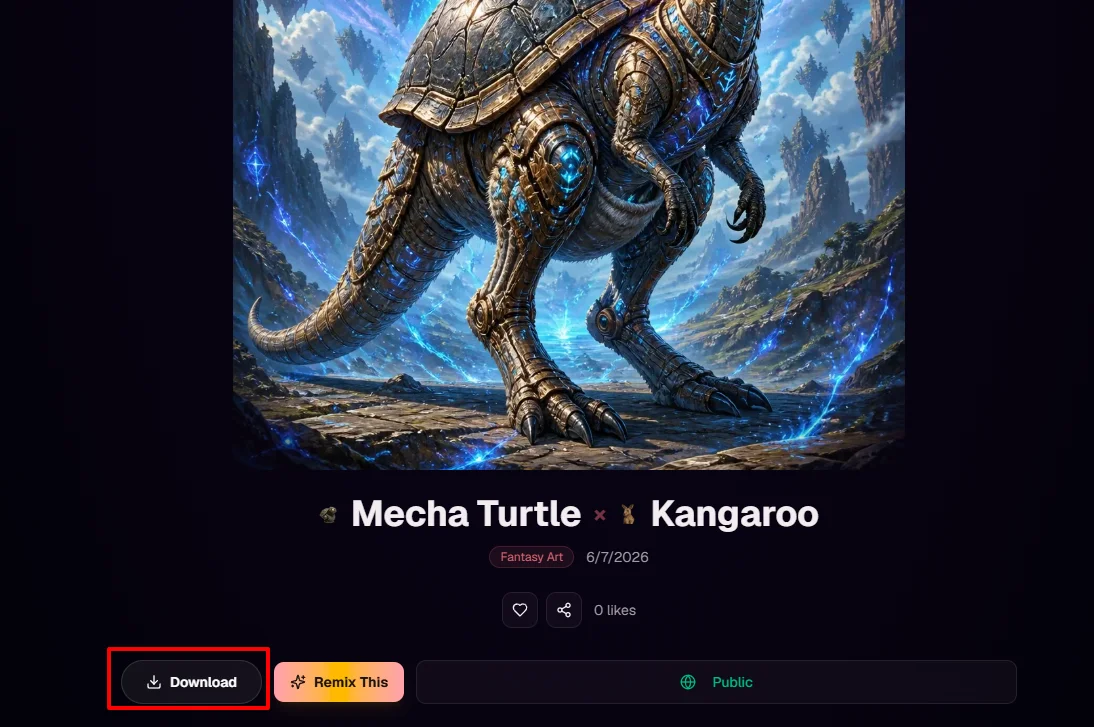
Download High-Resolution Images
Download your creature as a high-quality PNG for use in personal projects, social media, or concept art portfolios.
Use It as a Game Creature Reference
Open a promising result in Aimagica Create, add its gameplay role, palette, environment, and output requirements, then save the approved image as a visual reference for related assets.
Review Before Export
Generated images are concept assets. Check anatomy, silhouette, consistency, resolution, transparency, and commercial-use requirements before treating a result as production material.
Share with the Community
Make your creation public and let others like, comment, and get inspired. The Community Pets feed showcases the best shared creatures.
Frequently Asked Questions
Is the AI animal generator free to try?
You can begin the guided workflow immediately. Current sign-in, credit, download, and commercial-use requirements appear before the relevant action.
How many animals can I choose from?
Use the animals currently available in the selector, or move into Create when the concept depends more on a role, environment, material, or custom reference.
Can I use the generated images commercially?
Commercial-use terms depend on the active plan and the source material you provide. Review the pricing page and commercial license before shipping an asset.
What makes a good animal combination?
Contrast is key. Mix different habitats (land + sea), different "vibes" (cute + fierce), or real + mythical for the most creative results.
How long does generation take?
Timing varies by model, queue, image settings, and provider availability. The generation screen shows progress and reports a recoverable error when a request cannot complete.
Ready to Create Your First Hybrid?
There's no learning curve — just pick two animals, choose a style, and hit Generate. Your first creature is waiting.